STEAM Club · Saturdays in Riverside
Your child already loves technology. Let’s teach them to create with it.
Coding, gaming and creative technology classes for kids ages 7–14. Perfect for curious kids ages 8–12. Try your first class free!
A 1-minute quiz matches your child’s interests to the club. Or skip it and pick a time.
- Saturday mornings
- 9:00, 10:15 or 11:30 AM
- First class free
- Then $85/month if you love it
This week
Playing → Building
Kids are already fluent in tech. STEAM Club shows them they can make it, too.
- PlayingBuilding
Games become something they design, not just something they play.
- WatchingCreating
Screen time turns into making videos, art and inventions.
- ConsumingUnderstanding
They learn how the tech around them actually works.
What kids can explore
What does your child love?
Tap the one that sounds like them. We'll ask a few quick questions and show you how STEAM Club fits.
Projects change from week to week, so not every activity happens in every class.
- GamesFrom playing levels to designing their own.Start the quiz with Games selected
- Digital artDrawing, animation and design with real tools.Start the quiz with Digital art selected
- RoboticsGadgets and robots that move, light up and react.Start the quiz with Robotics selected
- BuildingLEGO-style engineering challenges and prototypes.Start the quiz with Building selected
- ExperimentsHands-on science where kids test their own ideas.Start the quiz with Experiments selected
- Creative projectsStories, videos and inventions that are all theirs.Start the quiz with Creative projects selected
Inside STEAM Club
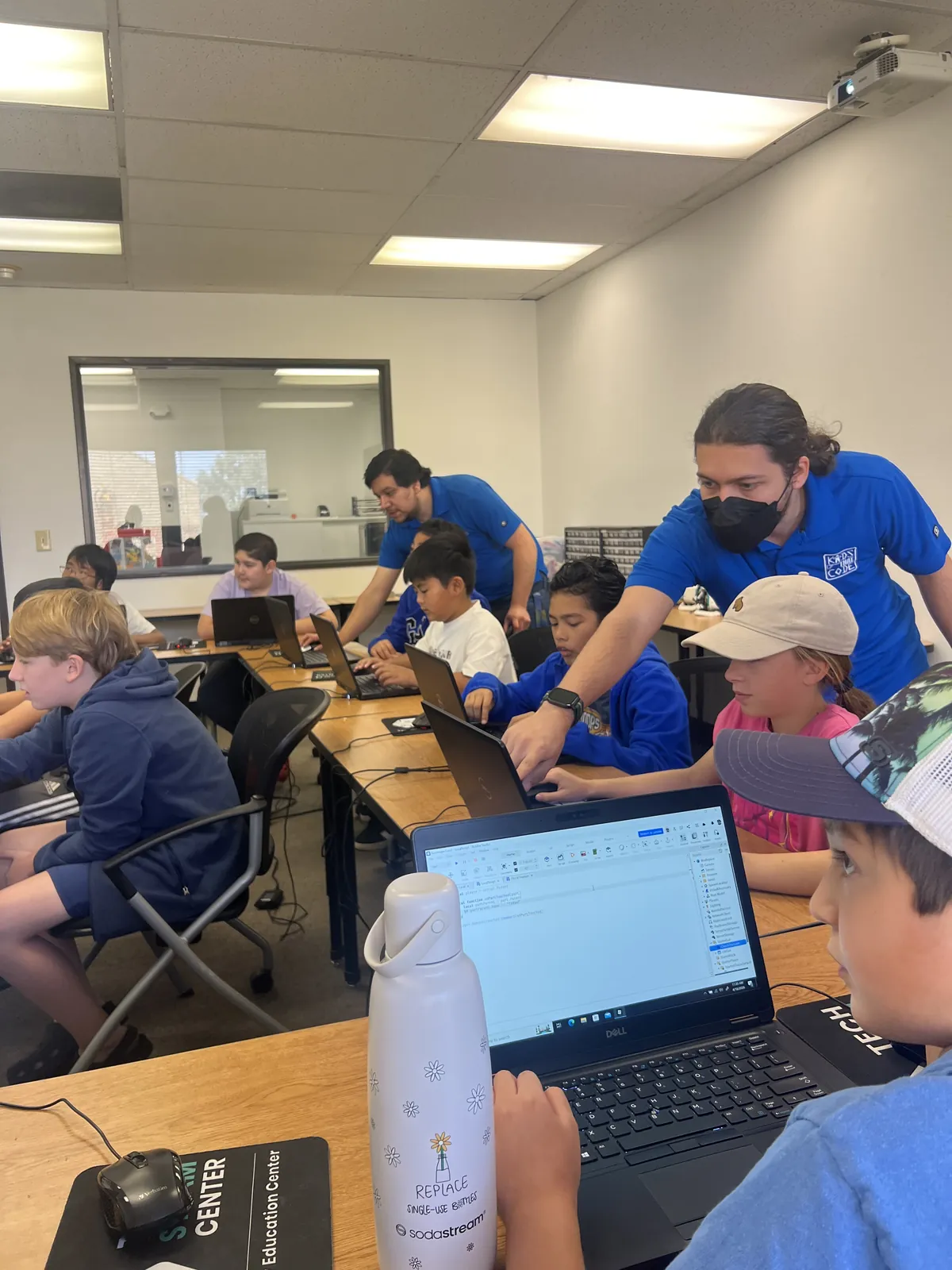
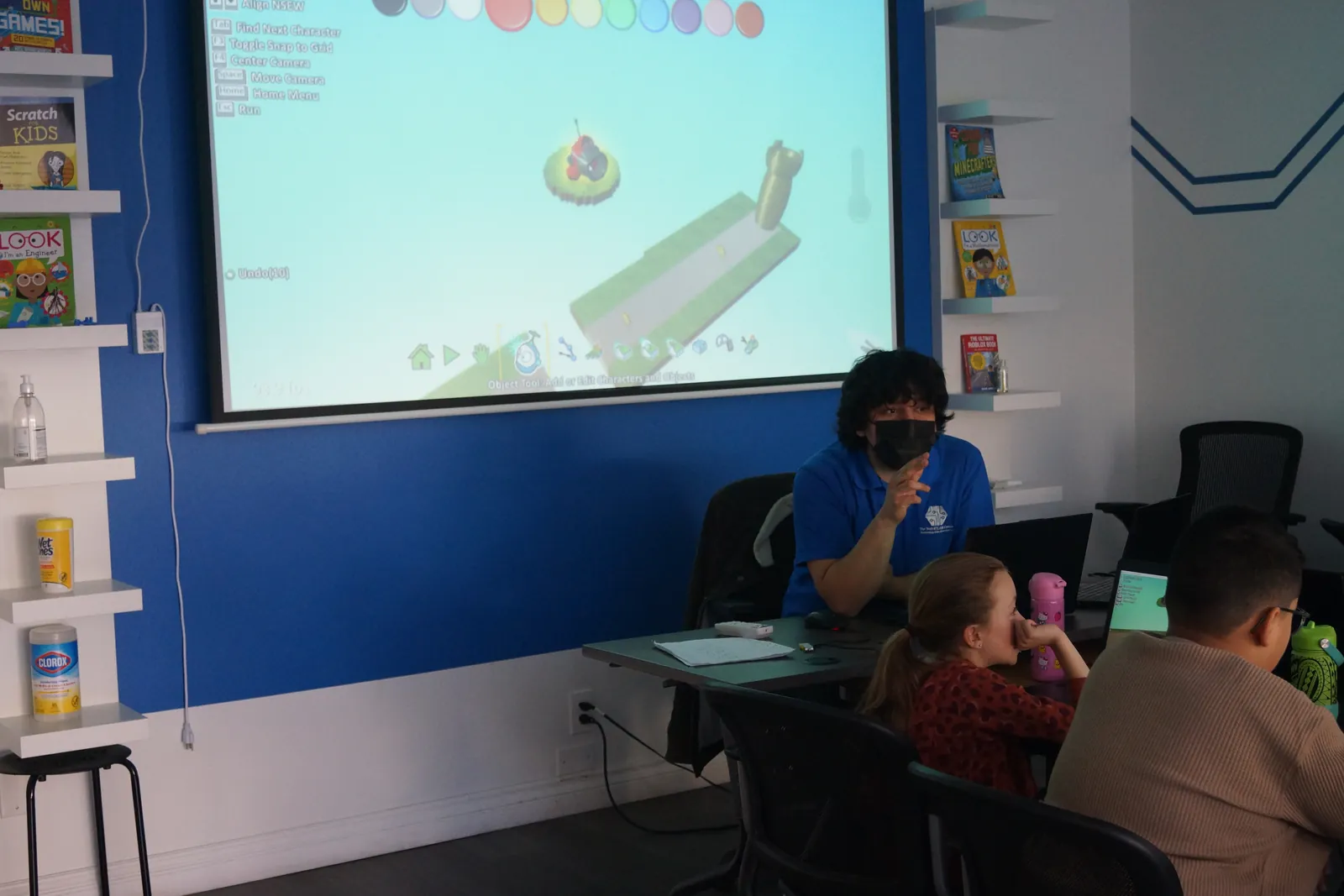
Real Saturdays at the Tech STEAM Center.
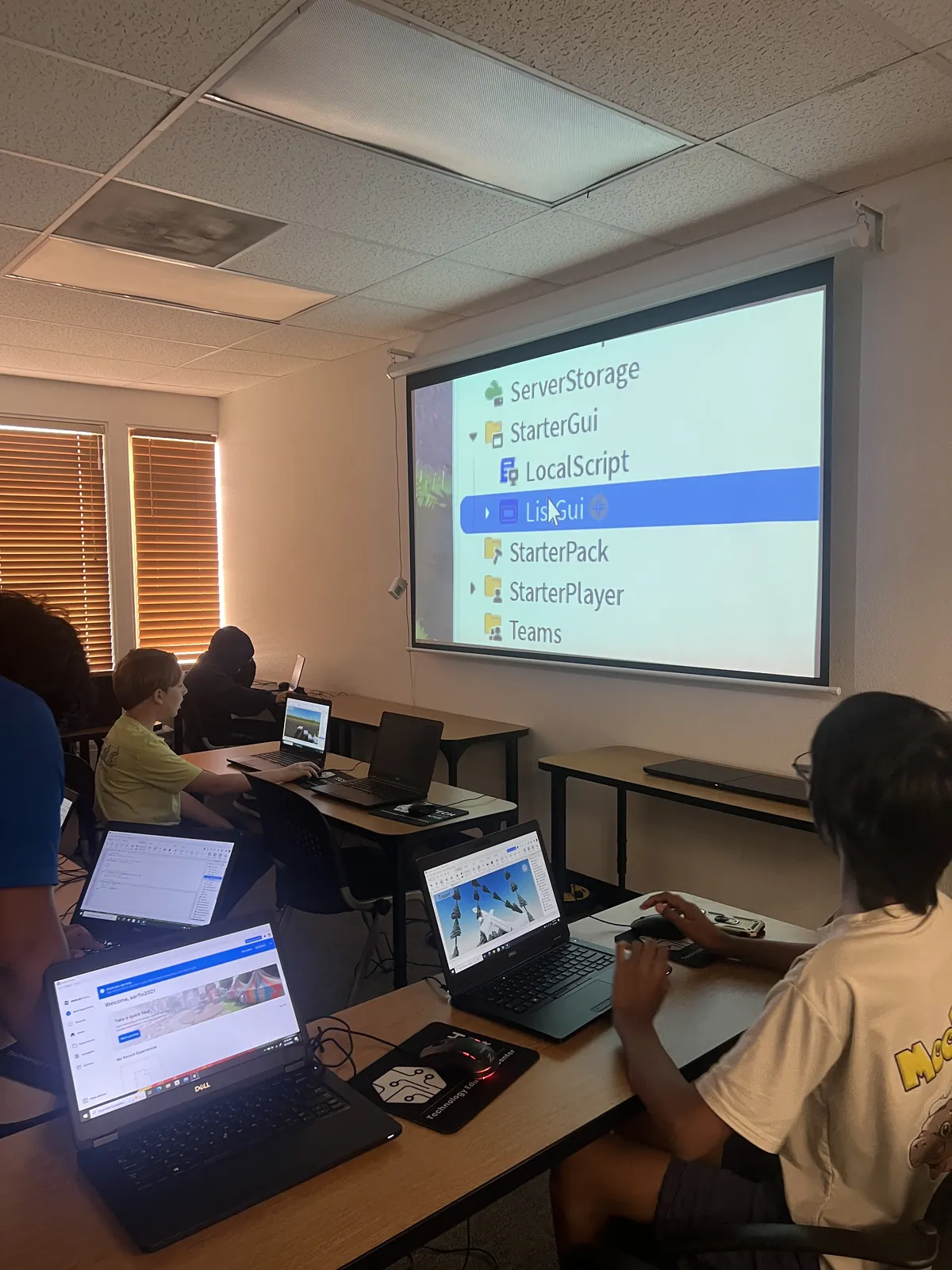
Designing a game in Roblox Studio
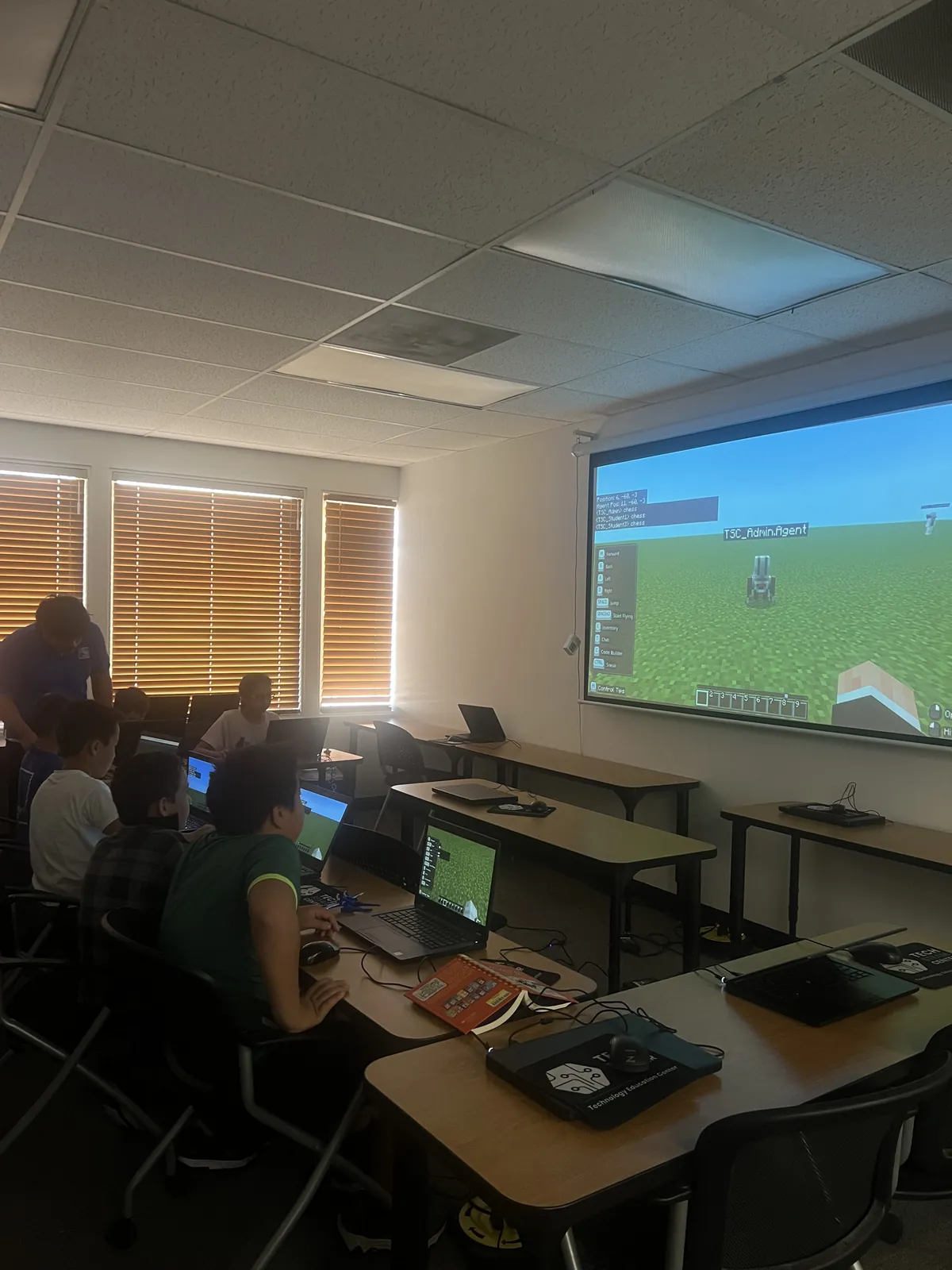
Building together in Minecraft
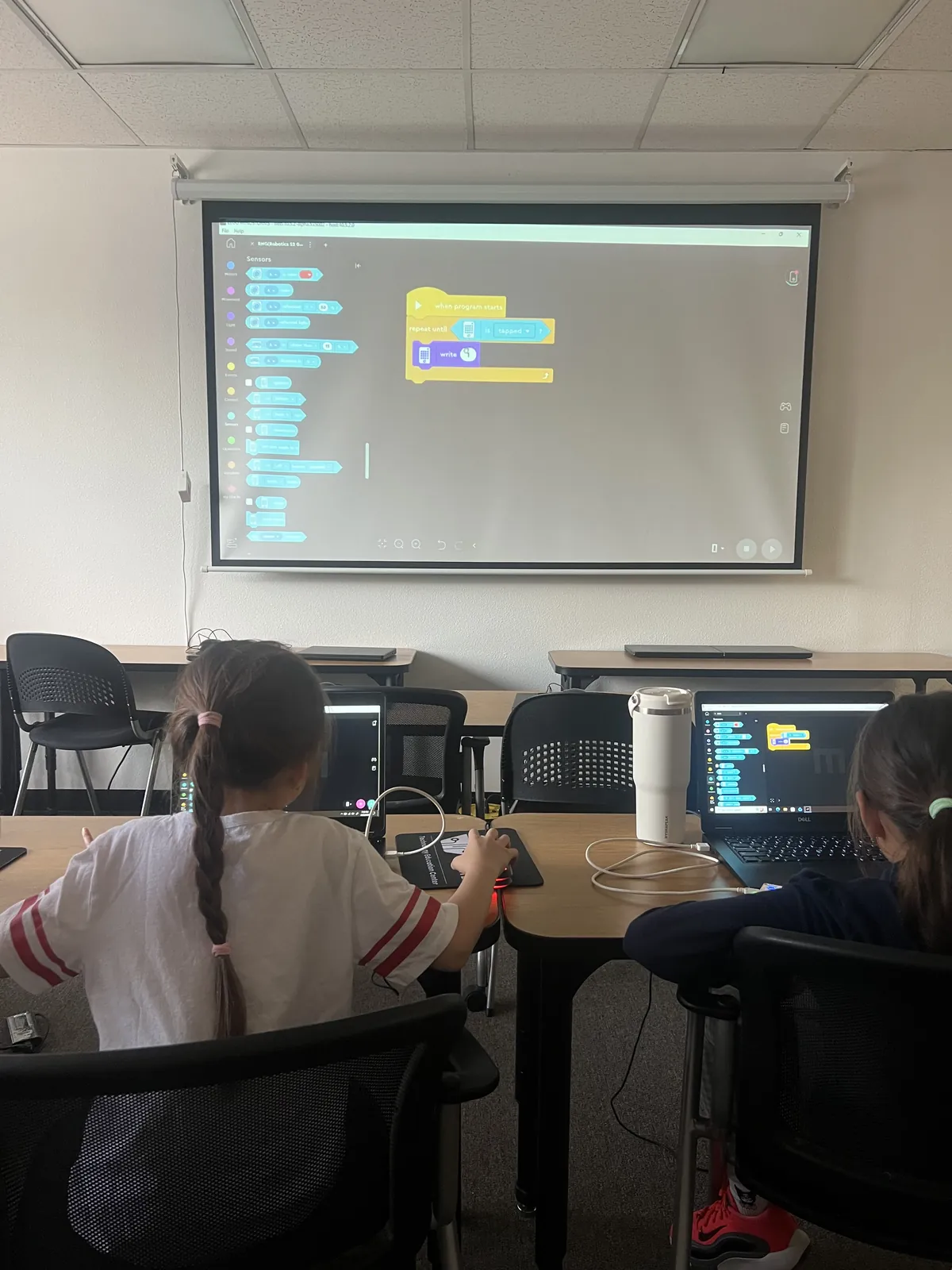
Block coding on the big screen
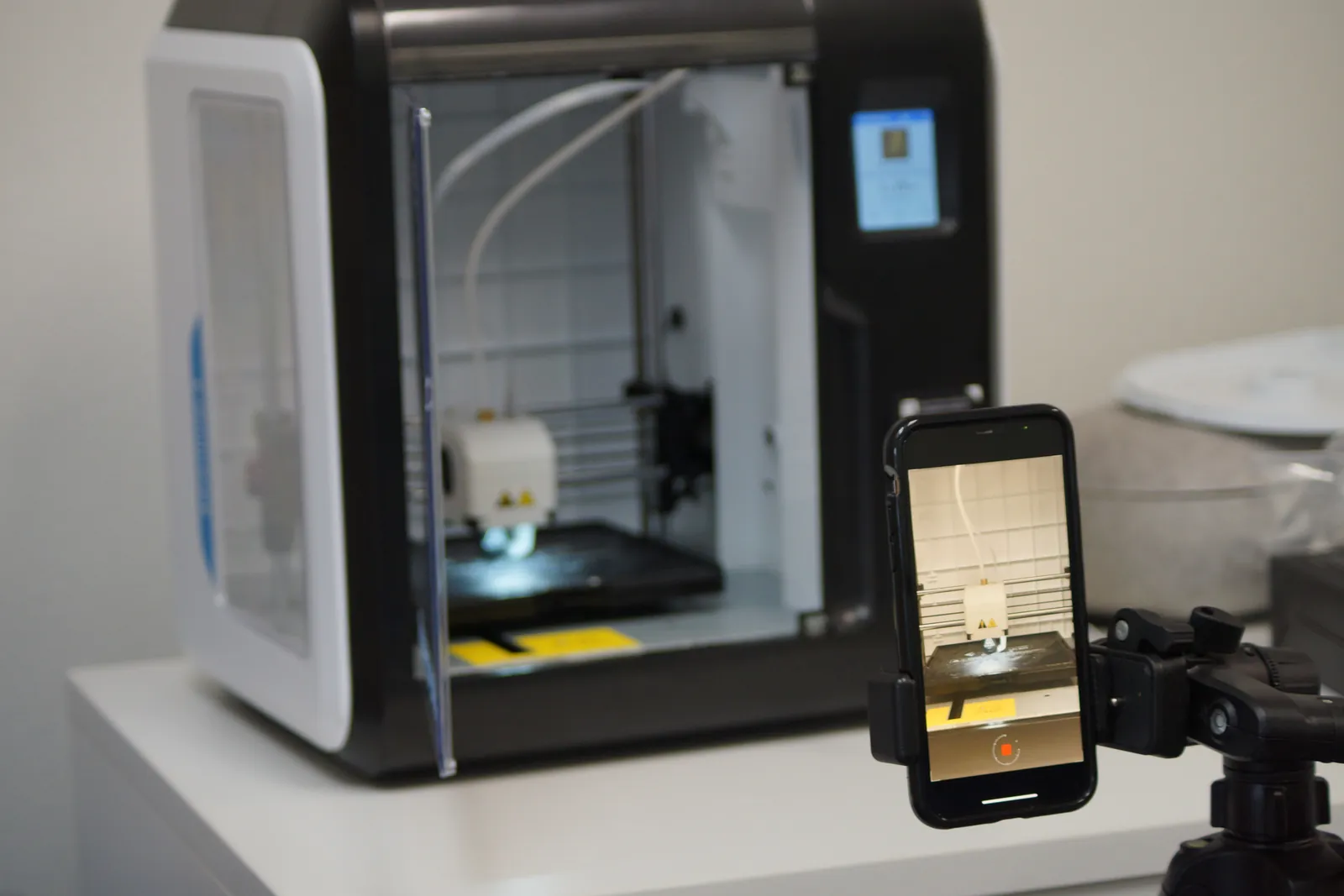
3D printing a design they made
Student projects
Real projects. Made by real kids.
From games to digital creations, see what students are building at Kids That Code.
Made by a Kids That Code student
Fictional exampleAsteroid Garden
by Alex, age 12STEAM Club student
Designed and coded the “Asteroid Garden” game shown at the STEAM Club showcase.
How to use variables for speed and gravity, why games need collision checks, and how to change a design after people test it.
STEAM, simply
Five subjects, one hands-on club.
STEAM blends science, technology, engineering, art and math into projects kids actually want to finish.
- SScienceAsk questions and run experiments.
- TTechnologyUse real tools, apps and code.
- EEngineeringDesign, build, test and improve.
- AArtBring creativity and design into it.
- MMathUse numbers to make ideas work.
The free class
Here’s what happens at your free class.
Step 1
Pick a Saturday time
Choose 9:00, 10:15 or 11:30 AM. You'll get a confirmation email right away.
Step 2
Come to the center
Meet the instructor and see the space. We'll help your child get settled.
Step 3
Your child builds something
They join a real club session (about 60 minutes) and work on a hands-on project.
Step 4
Decide together
Talk with us about how it went and whether STEAM Club is a fit. No pressure.
STEAM Club at a glance
- When
- Saturdays at 9:00, 10:15 or 11:30 AM
- Who
- Ages 7–14 2nd–9th grade, best for curious 8–12 year olds
- Cost
- First class free, then $85/month
- Where
- Tech STEAM Center Riverside5051 Canyon Crest Drive, Suite 201A, Riverside, CA, 92507
Spots are limited each Saturday.
See open times and save your child’s seat in about a minute.
Who we are
A real STEAM center, right here in Riverside.
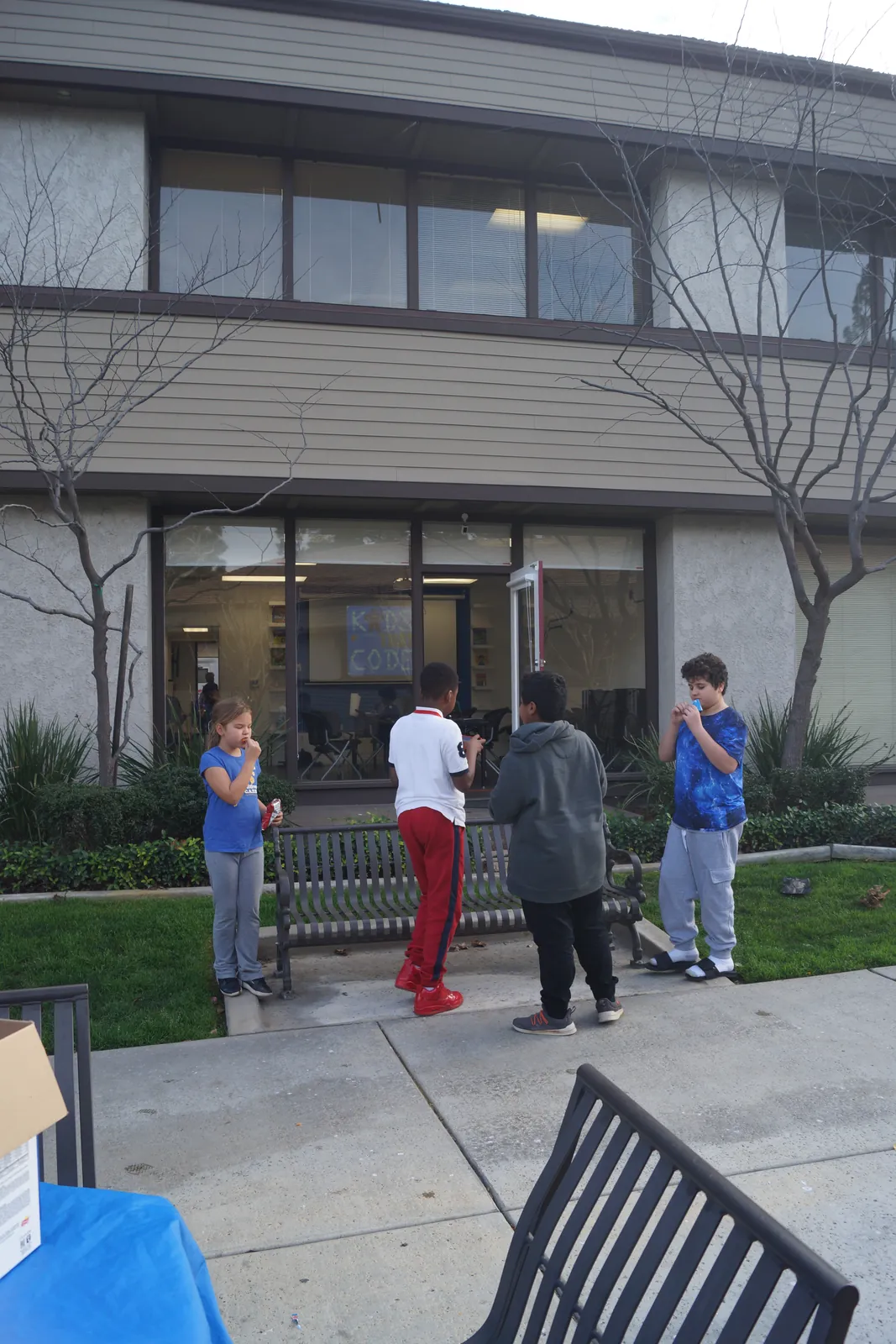
STEAM Club runs at Tech STEAM Center Riverside, the learning center from Kids That Code. Kids come for clubs, camps and after-school programs built around making things with technology.
Placeholder: approved parent quote
Real testimonials only, with the family’s permission recorded in the staff dashboard. Hidden on the live site until one is published.
What ages is STEAM Club for?
STEAM Club welcomes kids ages 7–14 (2nd–9th grade). It's an especially good fit for curious 8–12 year olds. If your child is outside that range, give us a call and we'll point you to a better fit.
Does my child need any experience?
No. The club is built for curious kids, whether they've never written a line of code or already build things on their own.
Wording to confirmWhat happens during the free class?
Your child joins a regular STEAM Club session and works on a hands-on project with an instructor. It lasts about 60 minutes. Afterwards we'll talk with you about how it went.
How much does it cost after the free class?
Membership is $85 per month. We'll walk you through the details at the class, and there's no obligation to join.
Where is it, and what should we bring?
Classes are at Tech STEAM Center Riverside, 5051 Canyon Crest Drive, Suite 201A, Riverside, CA, 92507. Your confirmation email has directions and arrival details.
Can I stay during the class?
You're welcome to stay, or drop your child off and head out. Just be back to pick them up when class ends. There's a parking lot at the center.
What if I need to cancel or change the time?
Please cancel or reschedule at least 24 hours before class. Every confirmation email has a link that does it in a few seconds and frees the seat for another family.

Give their screen time a new job.
Your child’s first STEAM Club class is free. Find the right fit in a minute, or pick a Saturday time now.
Questions? Call (951) 530-8188